
Case study: AI workflow automation
Bulk email and SMS automation for compliance notices
Terms updates, billing alerts and form reminders sent to the right recipients in controlled batches, with a record of every send.
Overview
An operations team needed help with this: terms updates, billing alerts and form reminders sent to the right recipients in controlled batches, with a record of every send.
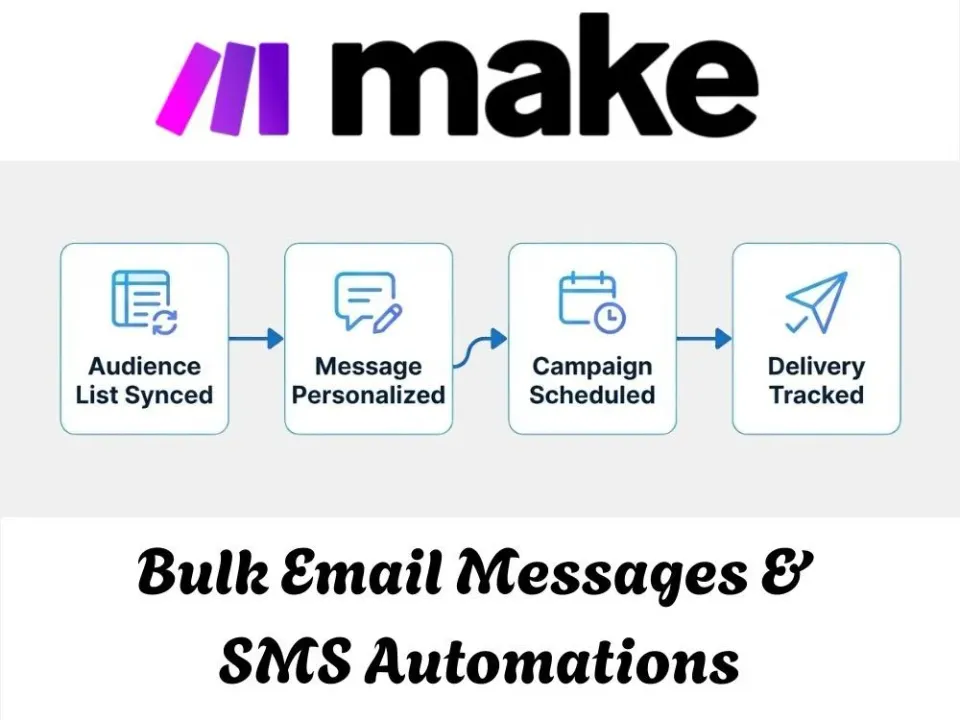
The problem
Terms and conditions updates, billing notices and reminders about incomplete forms all went to large recipient lists. Matching each recipient to the right document, staying under sending limits and tracking who had already been contacted were all done by hand.
What we built
We built a set of messaging automations that sort recipients by agreement type, send email and SMS in controlled batches, skip anyone already contacted and keep records up to date. Each automation is described below.
The automations we built
Each automation below handles one part of the workflow. Together they replace the manual steps described above, and each one keeps a record of what it did.
Bulk Compliance Email Automation
The problem: This automation was built for a business that needed a reliable way to send terms and conditions updates to a large list of recipients without hitting sending limits or losing track of who had already received the email. Before this, sending a compliance document to a full sender list meant manually managing batches and keeping a separate record of who was contacted, which became harder to maintain as the list grew. Now the system pulls the latest document, checks the sender list for valid email addresses, and sends the update in controlled batches through Postmark while automatically logging every email that goes out.
How it works: The workflow starts by downloading the current terms and conditions document, then pulls the full sender list and filters it to confirm which recipients have a valid email on file. From there, a router splits the list into batches of 500 for sending, and Postmark handles the bulk email delivery through an API call. In parallel, the workflow compiles a record of everyone who received the email and updates the sender list to reflect that the message was sent, keeping the send history accurate for future reference.
- Sent compliance emails reliably to large recipient lists in controlled batches
- Eliminated manual tracking of who received the terms and conditions update
- Reduced risk of duplicate or missed sends across the full list
- Kept the sender list automatically updated after each send
Automated T&C Distribution
The problem: This automation was built for a business managing multiple agreement types that needed a way to send updated terms and conditions to the right recipients based on which agreement applied to them, without manually sorting the list or sending emails one company type at a time. Before this, updating recipients on new terms meant pulling the right document, matching it to the correct group, and sending it out separately for each agreement type, which took time and left room for the wrong version reaching the wrong group. Now the system automatically pulls the latest documents, sorts recipients by agreement type, and sends the correct terms and conditions update to each group in controlled batches.
How it works: The workflow runs on a recurring schedule, first downloading the current terms and conditions documents for both agreement types. It then pulls the full recipient list and checks each company against its agreement type, routing them down the matching path. Each group is broken into batches of 500 and sent through Postmark via an API call, so the right version of the terms reaches the right recipients without manual sorting or duplicate work.
- Automated recipient sorting by agreement type before sending updates
- Eliminated manual matching of terms and conditions to the correct group
- Reduced risk of the wrong document reaching the wrong recipients
- Sent bulk updates reliably in controlled batches across both agreement types
QuickBooks-to-SMS Alerts
The problem: This automation was built for a business handling agreement based billing that needed a way to notify contacts by SMS whenever a QuickBooks deal update required it, without someone manually pulling phone numbers and sending messages one at a time. Before this, checking whether a contact had a valid phone number and sending them an update meant extra manual steps that slowed down communication and made it easy to miss someone. Now the system automatically pulls the deal data, checks for a valid phone number, and sends a Twilio SMS to the contact, with a fallback path in place if the notification isn't needed.
How it works: The workflow starts by downloading a JSON file containing deal information, then parses it and iterates through each record one at a time. For each item, the flow checks for a phone number and, if one is found, Twilio creates and sends an SMS message, followed by a webhook call to confirm the notification went through. If a phone number isn't present or the notification path doesn't apply, the flow skips that step and moves on, keeping the process running smoothly without getting stuck on incomplete records.
- Automated SMS notifications tied to QuickBooks deal updates
- Eliminated manual lookup of contact phone numbers before sending
- Reduced missed notifications through built in skip handling
- Kept the notification process running without manual intervention
Incomplete Submission Cleanup Notification
The problem: This automation was built for an operations team managing claim form submissions that needed a way to identify incomplete entries and notify those contacts in one clean pass, without manually cross-checking records against a completed list. Before this, finding incomplete submissions and reaching out to those people meant manually comparing records in Supabase and updating statuses one at a time, which took time and made it easy to miss someone or send a duplicate notice. Now the system automatically pulls incomplete submissions, checks whether each one has since been completed, and either adds the contact to a sending list or updates their status accordingly.
How it works: The workflow starts by counting and retrieving incomplete rows from Supabase, then loops through each record one at a time. For every entry, it checks against the completed submissions table to see if the status has changed since it was last flagged as incomplete. If the record is still incomplete, the contact is added to a sending list for notification; if it turns out to have been completed, the flow updates the status in Supabase instead, keeping the records accurate before any messages go out.
- Automated detection of incomplete claim form submissions
- Eliminated manual cross-checking against completed records
- Reduced duplicate or missed notifications to incomplete contacts
- Kept Supabase records accurate before bulk notifications were sent
Related
This project is an example of ai workflow automation. If your team has a similar workflow, the pages below explain how we approach it, and the neighbouring case studies show the same ideas in other businesses.